
Alt text, short for "alternative text", is a brief description added to images on websites. It serves two main purposes:
- Accessibility: Alt text helps people using screen readers understand images by describing their content. It also appears if an image fails to load, ensuring no context is lost.
- SEO: Search engines rely on alt text to understand and index images, improving your site's visibility in search results.
Good alt text is concise, specific, and relevant to the image and its context. For example, instead of writing "dog", a better description would be: "Golden retriever catching a red frisbee in a sunny park."
To write effective alt text:
- Keep it under 125 characters.
- Avoid phrases like "image of" or "picture of."
- Don't stuff keywords; focus on natural, clear descriptions.
- Use empty alt text (
alt="") for decorative images.
Tools like AltReadable can automate alt text creation, especially for websites with many images. However, manual input is still preferred for nuanced descriptions. Combining both methods ensures better accessibility and SEO performance for your content.
How to write good alt text - Making images accessible with alternative text
What Is Alt Text and How Does It Work?
Alt text, short for alternative text, is a descriptive attribute that provides a written explanation of images or other visual elements on web pages and digital documents.
This small but impactful feature serves several purposes. For users who rely on screen readers, alt text is read aloud, offering a clear understanding of what the image represents. And if an image fails to load, the alt text appears in its place, ensuring no context is lost.
Let's explore its definition, role in accessibility, and how it benefits SEO.
Alt Text Definition
Alt text is an HTML attribute added to image tags, designed to describe the content and purpose of an image. Its goal is to convey the essential message of the image.
Good alt text example: For an image of a golden retriever playing fetch in a park, a strong description might be: "Golden retriever catching a red frisbee in a sunny park." This description is both specific and informative, giving users a clear picture of the scene.
Poor alt text example: On the other hand, descriptions like "dog" or "IMG_1234" fall short. They lack detail and fail to provide meaningful context.
The difference lies in clarity and relevance. Good alt text captures the essence of the image without unnecessary fluff, while poor descriptions leave users guessing.
How Alt Text Supports Accessibility
Alt text plays a crucial role in making digital content accessible. It allows screen readers and similar assistive tools to describe images to visually impaired users.
Without alt text, images can become obstacles. For example, a news article may lose its impact if a key photo goes unexplained, or an e-commerce site might frustrate users if product images lack descriptions. Even when images fail to load, alt text ensures that essential information is still communicated.
Alt Text SEO Benefits
Search engines like Google and Bing can't "see" images the way humans do. Alt text bridges this gap by helping search engine crawlers understand and index visual content. Well-optimized alt text improves image search rankings and strengthens the relevance of a webpage. On the flip side, neglecting alt text or using vague descriptions can hurt your site's visibility in search results.
Why Alt Text Matters for Digital Content
SEO and Website Visibility
Alt text plays an important role in boosting your on-page SEO efforts. Search engines use alt text to interpret the content of images, making it a key element for improving page context and aligning with relevant search queries. Well-optimized alt text not only enhances the overall context of your page but also serves as a ranking factor, especially in image search results. This, in turn, helps attract more targeted traffic to your site. By focusing on clarity and relevance, you can lay the groundwork for crafting effective alt text that works seamlessly with your SEO strategy.
Generate AI-Optimized Alt Text Instantly
Create accessible, SEO-friendly, and AI-compatible alt text for your images. Upload images or scan websites to enhance discoverability and usability.
Start Generating Alt TextHow to Write Good Alt Text
Alt text plays a key role in both accessibility and SEO, making it essential to get it right. The aim is to create descriptions that serve screen reader users, help search engines understand the content, and enhance the overall user experience. Here's how to write alt text that checks all the boxes.
Be Clear and Brief
Effective alt text is concise and to the point. Stick to 125 characters or fewer, as most screen readers cut off descriptions beyond this limit. Focus on the essential details of the image.
For example, if you're describing a photo of a golden retriever playing fetch, you could write: "Golden retriever catching a tennis ball in a grassy park." This description captures the key elements without unnecessary detail.
When an image serves a specific purpose, prioritize its function. For instance, if it's a red "Download Now" button, the alt text should simply say: "Download Now button." Avoid describing its appearance, like "Red rectangular button with white text", as this adds clutter without helping the user.
Skip phrases like "image of" or "picture showing." Screen readers already announce that it's an image, so it's better to dive straight into the description.
Avoid Repetition and Keyword Stuffing
Alt text should complement your content, not repeat it. If your surrounding text already mentions "email marketing strategies", there's no need to start your alt text with the same phrase. Focus instead on describing what the image depicts.
Avoid overloading alt text with keywords. Keyword stuffing not only disrupts the experience for screen reader users but also risks penalties from search engines. Keep the language natural and relevant.
For decorative images, use empty alt text (alt=""). This allows screen readers to skip over them, improving the experience for users who rely on assistive technology. For images containing text, include the text in the alt description only if it's not already mentioned elsewhere on the page.
Consider Context
Tailor your alt text to the specific context of the page. The same image might need different descriptions depending on where it appears. For example, a photo of a smartphone could be described as "iPhone 15 Pro in titanium finish" in a product review, but as "Person holding smartphone while walking" in an article about digital wellness.
Match the alt text to the page's purpose. If you're writing for a cooking blog post, focus on the food and cooking process. However, if the same image appears in a piece about kitchen design, emphasize the appliances or layout instead.
Think about your audience's needs. A technical diagram in a beginner's guide might require simpler language, while the same image in an advanced tutorial could include more detailed terminology. Adjust the level of detail and tone to suit the context.
For sequential images, ensure the alt text flows logically. If you're illustrating a step-by-step process, use phrases like "Step 1:" or "Next step:" to guide users through the sequence. Each image should have a unique description that reflects its role in the progression.
Tools and Methods for Creating Alt Text
Crafting alt text becomes much simpler with the right tools at your disposal. Let's dive into both automated and manual approaches, along with how these can integrate seamlessly with CMS platforms.
Using AltReadable for AI-Generated Alt Text
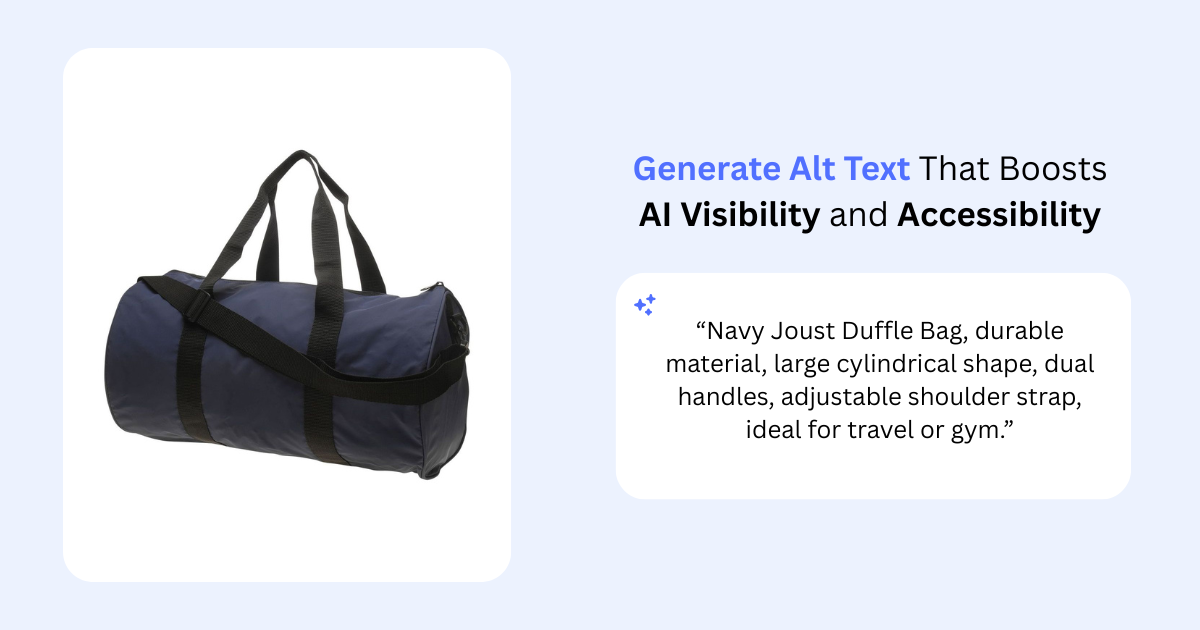
AI tools like AltReadable make generating alt text faster and more scalable. By using artificial intelligence, AltReadable creates context-aware descriptions that save time while maintaining consistency, even across large inventories of images. A standout feature is its ability to scan an entire site to identify missing alt text - a game-changer for e-commerce platforms with extensive product catalogs.
AltReadable integrates smoothly with platforms like Shopify, Magento, and WooCommerce, and supports multiple languages to ensure consistency for global audiences. Pricing options are flexible: a free trial for up to 15 images, a $10 one-time Image Pack, and monthly subscriptions ranging from $9 (covering 200 images) to $79 (up to 5,000 images with API access).
Manual Alt Text Creation
Despite the efficiency of AI tools, there are times when manual alt text creation is irreplaceable. For images requiring a nuanced description or when aligning with your brand's specific tone, manual input ensures precision and adherence to accessibility standards. This hands-on approach is especially useful for unique or highly detailed images.
Integrating Alt Text Tools into CMS Platforms
AltReadable also offers a REST API, enabling businesses to integrate its alt text generation capabilities directly into their content management systems. This allows larger organizations to seamlessly incorporate automated alt text creation into their existing workflows without disrupting daily processes. For added flexibility, you can toggle between manual editing and automated tools to suit specific needs, ensuring a smooth workflow.
These tools and methods not only simplify the process of creating alt text but also help improve accessibility and boost SEO performance for your content.
Key Takeaways
Alt text plays a dual role in making websites more accessible and improving SEO. It serves as a crucial link between visual content and digital accessibility, ensuring inclusivity while also boosting search engine visibility. Without alt text, screen readers cannot provide users with the necessary context for images.
To write effective alt text, aim for a balance between detail and brevity. Instead of a vague description like "dog", go for something more specific, such as "golden retriever puppy playing with a tennis ball in the grass". Keep descriptions short - ideally between 5 and 15 words or under 125 characters - so they can be easily processed by screen readers.
AI tools can save a lot of time when dealing with large numbers of images. For instance, in February 2023, Reddit user PrincessDogcake shared how they developed an AI app using ChatGPT vision AI to generate alt text for images in just 5 seconds each. As PrincessDogcake described:
"I created an AI app that processes images in bulk with ChatGPT vision AI, returning alt texts in about 5 seconds."
While AI tools offer impressive efficiency, human oversight is still necessary. AI can provide a solid starting point, but manual review ensures that the alt text is accurate and captures nuances that automated systems might overlook. Combining AI efficiency with human attention delivers the best results for both accessibility and SEO.
For businesses managing large image libraries, tools like AltReadable provide scalable options with flexible pricing. By prioritizing well-crafted alt text, companies can improve their search rankings, comply with legal requirements, and create a better experience for all users.
FAQs
How do I write alt text that's accessible and optimized for SEO?
To write alt text that's both inclusive and optimized for search engines, aim to be clear and concise. Describe the image's content and purpose in straightforward terms, skipping phrases like "image of" or "picture of." Naturally include relevant keywords, but steer clear of stuffing in too many or unrelated ones.
Effective alt text not only helps screen readers communicate the image's meaning to visually impaired users but also boosts your site's search engine visibility. Keep it meaningful, straightforward, and aligned with the surrounding content.
What mistakes should I avoid when writing alt text for images?
When crafting alt text, steer clear of these common pitfalls to make sure your content is both accessible and effective:
- Leaving the alt attribute blank: Every image needs an alt attribute, even if it's just an empty one for purely decorative visuals.
- Starting with phrases like 'image of' or 'picture of': Screen readers already indicate that it's an image, so these phrases are redundant.
- Being too vague or generic: Skip descriptions like "company logo" - be specific about what the image actually conveys.
- Using promotional language: Alt text is meant to describe the image, not serve as a marketing pitch.
- Duplicating captions or nearby text: Make sure your alt text provides unique information and doesn't simply repeat what's already written.
The goal is to write clear, concise, and meaningful descriptions that make your content accessible while enhancing the experience for all users.
How can AI tools like AltReadable make creating alt text easier?
AI tools such as AltReadable make creating alt text quicker and easier by automatically analyzing images and generating detailed descriptions. This helps save time and ensures a consistent approach, especially for websites with numerous images.
Although the alt text generated by AI is often precise, users still have the option to review and tweak it to suit specific needs or audiences. Tools like this not only boost accessibility for screen readers but also enhance SEO - all without requiring hours of manual work to write descriptions.
Ready to Improve Your Website's Accessibility?
Generate professional alt text for your images with AI-powered tools that work for both screen readers and search engines.
Try AltReadable Free