
Website accessibility matters because it ensures everyone, including people with disabilities, can use and interact with digital content. Businesses that neglect accessibility risk losing customers, facing lawsuits, and damaging their reputation. Accessible websites also improve SEO, attract more users, and provide a better experience for all visitors.
Here's how to tackle common accessibility issues:
- Alt Text for Images: Use descriptive alt text to make images accessible for screen readers.
- Screen Reader Optimization: Ensure proper HTML structure, logical headings, and ARIA attributes for better compatibility.
- Keyboard Navigation: Make all site functions available via keyboard with clear focus indicators and logical tab order.
Regular audits, proper design practices, and tools like AltReadable can simplify the process. Accessibility isn't a one-time task - it's an ongoing effort that benefits both users and businesses.
Best Website Accessibility Software: WAVE Automated Scan Tool (Free and Easy to Use)
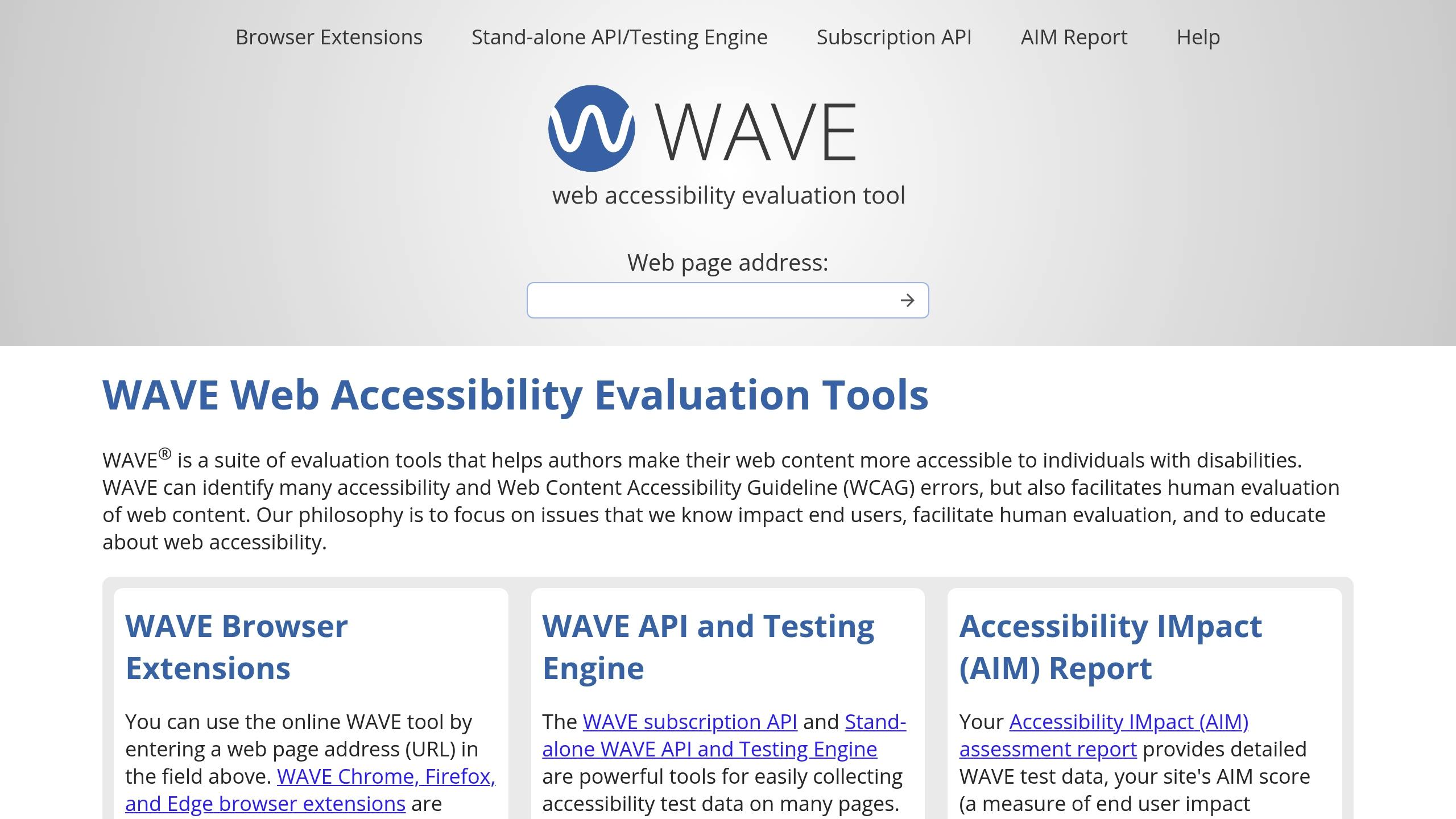
Common Website Accessibility Problems
Many websites still have barriers that make it difficult - or even impossible - for people with disabilities to access content. These issues can prevent users from engaging with essential information and services. Recognizing the most frequent accessibility problems is a crucial step in building a more inclusive digital space. Let's take a closer look at one common issue that highlights these challenges.
Missing Alt Text for Images
Alt text acts as a vital link between visual content and users who rely on screen readers. It translates images into spoken words or braille, making the content accessible for those with visual impairments. Despite its importance, many websites either skip alt text entirely or write it poorly. When alt text is missing, screen readers treat the image as empty, leaving users with no understanding of its content.
In the absence of alt text, screen readers often default to reading the image file name. Imagine hearing "Image001.jpg" instead of a meaningful description - confusing, right? Descriptive alt text, like "A red apple on a wooden table", provides context and makes the image's purpose clear.
If an image conveys critical information but lacks descriptive alt text, that information becomes completely inaccessible to screen reader users. This oversight creates a significant barrier for those relying on assistive technologies.
Tested Solutions to Fix Accessibility
Improving website accessibility doesn't have to feel like an uphill battle. With the right tools and strategies, you can turn a site with accessibility barriers into one that's welcoming to all users. Here are some practical solutions to tackle common issues, from generating alt text to improving navigation.
Using AI for Alt Text Generation
AI-powered tools like AltReadable can revolutionize how you handle alt text. These tools analyze images and create detailed, context-aware descriptions that enhance both accessibility and SEO. For example, instead of a generic "boots", AltReadable might generate something like, "Black leather boots with silver buckles on a white background", offering more meaningful context.
AltReadable works seamlessly with platforms like Shopify, WooCommerce, and Magento. It automatically processes images as they're uploaded and can scan entire websites to identify and fix missing alt text across thousands of images. The tool also supports multiple languages and tailors its descriptions to different needs - whether you're describing technical medical images or crafting engaging marketing copy.
What's even better? The AI improves over time. As you provide corrections and feedback, it learns your industry's specific needs and style preferences, ensuring consistency and saving you time.
Optimizing Websites for Screen Readers
Accessibility goes beyond alt text. Making your site fully compatible with assistive technologies, like screen readers, is essential for improving user experience. Screen readers interact with websites differently than visual users, relying on proper HTML structure and semantic markup to interpret content.
Here are some key practices:
- Use a single H1 tag per page and structure other headings (H2, H3) logically to create a clear content hierarchy.
- Leverage ARIA attributes to provide extra context for interactive elements, like describing the purpose of widgets or clarifying actions.
Forms demand special attention. Every input field should be clearly linked to its label, and error messages must be programmatically associated with the relevant fields. Group related inputs with fieldsets, and use legends to add context for complex forms, such as multi-step checkouts.
Another helpful feature is skip links, which allow screen reader users to bypass repetitive navigation and jump straight to the main content. These hidden links appear when navigating via the Tab key, offering a shortcut that sighted users typically achieve by scanning visually.
Setting Up Proper Keyboard Navigation
An accessible website ensures that all functionality is available via keyboard, without requiring a mouse. To achieve this, focus on these key areas:
- Visible focus styles: Use high-contrast indicators to clearly show which element is active.
- Logical tab order: Ensure the Tab key navigates elements in a sequence that matches the visual layout (typically left-to-right, top-to-bottom). If CSS disrupts this flow, use the
tabindexattribute to correct it.
Interactive elements like dropdowns, modals, and custom widgets should provide clear focus indicators and follow a predictable tab order. For example, arrow keys should navigate through slides, Enter should expand collapsible sections, and similar elements should behave consistently across the site.
Forms are another critical area. Users should be able to move between fields with Tab and Shift+Tab, submit forms with Enter, and navigate radio button groups using arrow keys. Error handling must also work seamlessly with keyboards, allowing users to access error messages and fix issues without relying on a mouse.
Generate AI-Optimized Alt Text Instantly
Create accessible, SEO-friendly, and AI-compatible alt text for your images. Upload images or scan websites to enhance discoverability and usability.
Start Generating Alt TextHow to Apply Accessibility Best Practices
Making a website accessible isn't a one-time task - it's an ongoing commitment that needs to be woven into every step of your development process. The most effective teams treat accessibility as a core principle, ensuring that their websites are inclusive and functional for everyone. Here's how you can establish lasting practices to achieve this goal.
Running Accessibility Audits
Accessibility audits are your best tool for identifying and resolving barriers before they impact users. Regular checks not only help you stay compliant with standards but also ensure a better experience for everyone navigating your site.
Automated testing tools are a great starting point. Tools like axe-core, WAVE, and Lighthouse can quickly highlight common issues such as missing alt text, low color contrast, or improper structural markup. However, automated tools have their limits - they can't catch everything. That's where manual testing steps in. Try navigating your site using only a keyboard: use the Tab key to move through interactive elements, activate buttons with Enter or Space, and see if you can access all functionality without relying on a mouse. This hands-on approach often uncovers navigation problems that automated tools might miss.
User testing with individuals who have disabilities adds another layer of insight. This process can reveal more subtle issues, like confusing navigation paths or features that, while technically accessible, are still difficult to use in practice.
For high-traffic websites, aim for monthly audits; for smaller ones, quarterly audits may suffice. Create a checklist based on WCAG 2.1 AA standards to guide your evaluations, and document your findings to track improvements over time. Many teams find it helpful to use spreadsheets or project management tools to assign tasks and monitor progress.
Building Accessibility into Design and Development
Audit results should directly inform updates to your design and development processes. Addressing gaps identified in audits ensures your site becomes more accessible with every iteration.
Start with accessible design systems. Use color palettes that meet contrast requirements, define clear focus states for interactive elements, and establish typography scales that remain legible even at higher zoom levels. Document these standards in your style guide so everyone on the team knows what's expected. Include accessibility annotations in your design system, such as minimum touch target sizes (44x44 pixels) and required color contrast ratios (4.5:1 for standard text).
Embed accessibility checkpoints into development workflows. Before launching any new feature, developers should test keyboard navigation, confirm that all images include descriptive alt text, and verify that form labels are properly linked to their inputs. Accessibility should also be part of code reviews, alongside performance and security checks.
Pre-launch testing should combine automated scans with manual reviews. Use multiple testing tools to catch a broad range of issues, and test the site with assistive technologies. For example, Windows includes Narrator, macOS has built-in VoiceOver, and NVDA is a free screen reader widely used by many.
Adopt a proactive approach by starting with semantic HTML, using ARIA attributes correctly, and testing with assistive technologies throughout the development process - not just at the end. This method reduces accessibility debt and results in cleaner, more maintainable code.
Continuous monitoring is essential as your site grows and evolves. Automate accessibility scans in your deployment pipeline to catch issues before they reach production. Tools like AltReadable can even generate alt text for new images as they're uploaded, ensuring this step isn't overlooked during updates.
Finally, make accessibility education a regular part of your team's routine. Offer training sessions for designers, developers, content creators, and project managers to keep everyone up to speed. Many teams hold monthly reviews to share findings, discuss challenges, and collaborate on solutions to ensure accessibility remains a top priority.
Conclusion: Building an Accessible Digital Presence
Creating an accessible website goes beyond meeting legal requirements - it's about crafting digital spaces that welcome everyone. By focusing on practical strategies, you can reshape how users interact with your site and ensure no one feels excluded.
The journey starts with addressing core accessibility barriers. These foundational improvements not only assist users with disabilities but also enhance the overall experience for all visitors. Think of it as building a stronger, more user-friendly foundation that benefits everyone.
Leverage the power of technology alongside human insight. Tools like AltReadable can simplify the creation of descriptive alt text, while automated testing platforms help identify issues early. However, these tools are most effective when paired with manual testing and user feedback. Together, they create a more inclusive and seamless experience for your audience.
The business advantages of accessibility are undeniable. Accessible websites attract a broader audience, foster stronger customer relationships, and often lead to cleaner code and better design. These benefits translate into higher user satisfaction and engagement.
Making accessibility a natural part of your workflow is key. Train your teams in inclusive practices, embed accessibility checks into your design process, and schedule regular audits. When accessibility becomes second nature, inclusive digital experiences become the norm, not the exception.
FAQs
How can AI tools like AltReadable help improve my website's accessibility with alt text?
AI tools such as AltReadable simplify the task of generating precise and descriptive alt text for your website images. This not only improves accessibility for individuals with visual impairments but also boosts your site's SEO performance by helping search engines index your images effectively.
AltReadable automates the process, saving you time and maintaining consistency throughout your site. It helps you adhere to accessibility standards while creating a more inclusive and user-friendly experience for everyone.
How can I make sure my website is easy to navigate for users who rely on a keyboard?
To make your website easier for keyboard users to navigate, ensure that all interactive elements - such as buttons, links, and form fields - can be accessed and operated using the Tab key and other keyboard controls. Avoid designing features that rely solely on mouse input, and make sure focus indicators (like outlines or highlights) are clearly visible as users navigate through the site.
Equally important is maintaining a logical tab order, allowing users to move through the site in a clear and predictable way. Regularly test your site by navigating it with just a keyboard to spot and resolve any potential obstacles.
How can I effectively audit my website for accessibility and ensure ongoing compliance with accessibility standards?
To ensure your website is accessible to all users, start by combining automated tools with manual reviews. Automated tools are great for spotting common problems like missing alt attributes on images or incorrect heading levels. However, manual reviews are essential for catching more complex issues, such as ensuring smooth keyboard navigation or verifying compatibility with screen readers.
To maintain accessibility over time, schedule regular audits, provide your team with training on best practices, and make accessibility checks a standard part of your design and development processes. It's also important to keep up with updates to standards like the WCAG guidelines to ensure your site remains inclusive and easy to use for everyone.
Ready to Improve Your Website's Accessibility?
Generate professional alt text for your images with AI-powered tools that work for both screen readers and search engines.
Try AltReadable Free